In the digital world, the success of a website or application is not measured only by traffic but by how users interact with it. One of the most important indicators of user engagement is bounce rate—the percentage of visitors who leave a website after viewing only one page without taking any action.
A high bounce rate often signals that users are not finding what they expect, struggling with navigation, or experiencing poor usability. This is where UI (User Interface) and UX (User Experience) design play a crucial role. A thoughtful design strategy can guide users smoothly through the website, encourage exploration, and ultimately improve conversions.
This blog explores practical UI/UX tips to reduce bounce rate, helping businesses create engaging digital experiences that retain visitors and turn them into loyal users.
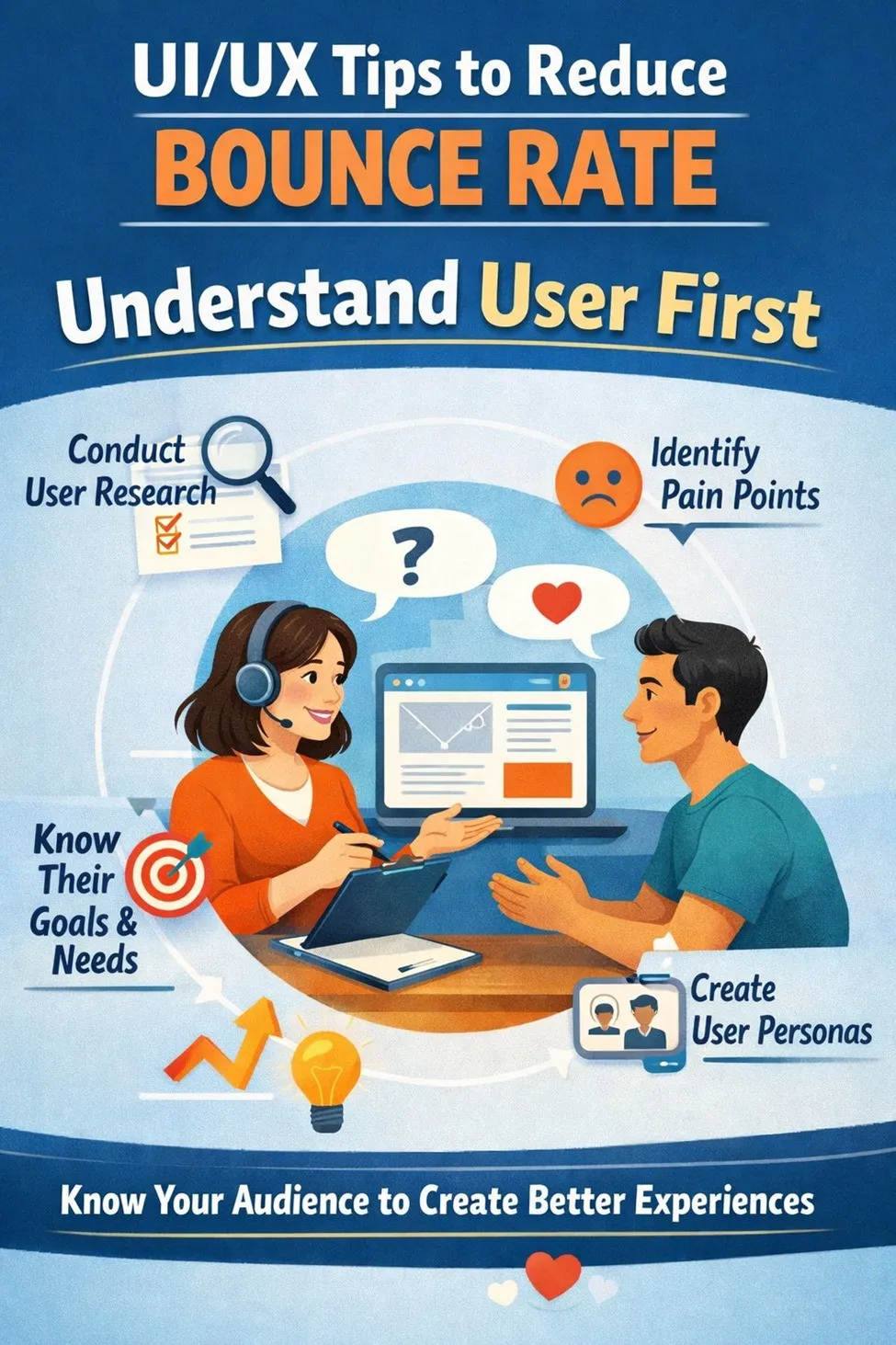
Before implementing any design changes, it is essential to understand your audience. UI/UX design should always be user-centered. If a website does not align with the expectations and needs of its visitors, users will quickly leave.
Start by analyzing user behavior through tools like heatmaps, session recordings, and analytics data. This helps identify where users struggle, which sections attract attention, and where they drop off.
Key actions to take Include:
Research your target audience and your preferences
Identify common user journeys on your site
Analyze pages with the highest bounce rates
Gather feedback through surveys or usability tests
💡
By understanding your users, you can design interfaces that feel natural and intuitive.
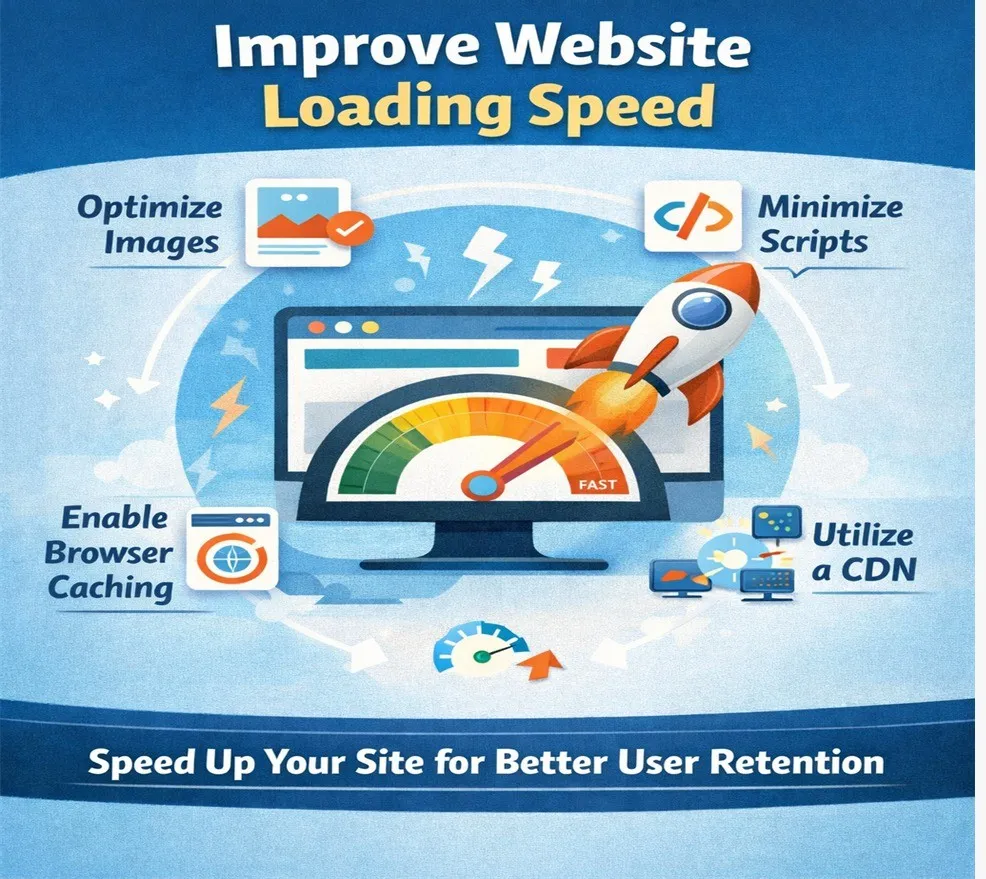
2. Improve Website Loading Speed
Speed optimization should therefore be a top priority in UI/UX design.
Effective strategies include:
Compress images without sacrificing quality
Minimize CSS, JavaScript, and unnecessary plugins
Optimize server response time
Use caching and content delivery networks
Implement lazy loading for media elements
A fast website not only improves user experience but also contributes to better search engine rankings.
3. Strong Visual Hierarchy
Visual hierarchy helps users quickly understand the importance of different elements on a page. When information is poorly structured, users feel overwhelmed and leave. Effective UI design highlights the most important elements first, guiding users through the content naturally.
Techniques:
Using larger fonts for heading and smaller fonts for body text
Applying contrasting colors to highlight key elements
Proper spacing and alignment
Highlighting Call-to-action with colors and contrast
When users can easily scan and understand a page, they are more likely to continue browsing.
4. Focus on Readable and Scannable Content
Effective formatting techniques include:
Use short paragraphs
Break information into bullet points
Highlight important keywords
Add descriptive subheadings
Use white space into visual clutter
UX is about guiding users — not confusing them.
5.Use Strong and Clear Calls-to-Action (CTAs)
Trust increases conversions.
Effective CTAs should be:
Visually distinct from surrounding content
Placed strategically throughut the page
Written with text oriented language
Relevent to the users content
Clear CTAs encourage deeper engagement and reduce the likelihood of users leaving the site.
6. Build Trust Through Good Design
A professional and trustworthy interface reassures users that the site is reliable and worth exploring.
Include:
Clean and modern design
Consistent branding and typography
Secure HTTPS connection
Customer testimonials and reviews
When users trust a website, they are more likely to stay and interact with its content.
Use Engaging Visual Elements
Visual content such as images, videos, and illustrations can significantly improve user engagement. However, these elements should enhance the experience rather than distract from it.
Include:
Use high quality images relevant to the content
Add explainer videos for complex topics
Maintain consistent visual style across pages
Avoid excessive animations that slow down the page
Well-chosen visuals make content more engaging and memorable
7. Reduce Cognitive Load
Simplifying the interface helps users focus on what truly matters.
Ways to reduce cognitive load include:
Remove unnecessary elements and distractions
Use simple and familiar design patterns
Limit the number of choices presented to users
Break complex processes into smaller steps
Provide clear instructions
A clean and focused design improves usability
8. Continously Test and Improve
Useful testing methods Include:
A/B testing different layouts and CTAs
Conducting usability testing with real users
Monitoring analytics metrics such as bounce rate.
Gathering feedback through surveys
Continuous improvement ensures that your website remains optimized for user engagement.
Final Thoughts
Reducing bounce rate is not just about keeping visitors on a website longer—it is about delivering a meaningful and satisfying user experience. When users can quickly find what they need, navigate effortlessly, and enjoy visually appealing design, they naturally stay longer and engage more deeply.
By focusing on user-centered design, optimizing performance, simplifying navigation, and creating clear content structures, businesses can significantly improve their website’s effectiveness.
Ultimately, great UI/UX design transforms a website from a simple digital presence into an engaging platform that builds trust, encourages exploration, and drives conversions.
Like what you see? Let’s build something together.
From idea to launch — I’ll help you build a website that works beautifully and delivers results.