WordPress Plugins
You Should Avoid!
WordPress offers incredible flexibility largely because of its massive plugin ecosystem. With over 60,000+ plugins available, you can add almost any feature imaginable without writing a single line of code.However, this convenience comes with a hidden risk: not every plugin is built with quality, security, or performance in mind.Installing the wrong plugins can slow down your website, create security vulnerabilities, break functionality, or even damage your search rankings. In this guide, we’ll explore the types of WordPress plugins you should avoid, why they cause problems, and how to make safer choices for a stable and professional website.
Why Choosing The Right Plugins Matters?
Plugins directly interact with your website’s core system, database, and files. Poorly developed plugins can:
Reduce speed
and performance
Introduce malware
and security loopholes
Cause compatibility
and conflicts in system
Increase server resource
usage
Lead to website crashes
after updates
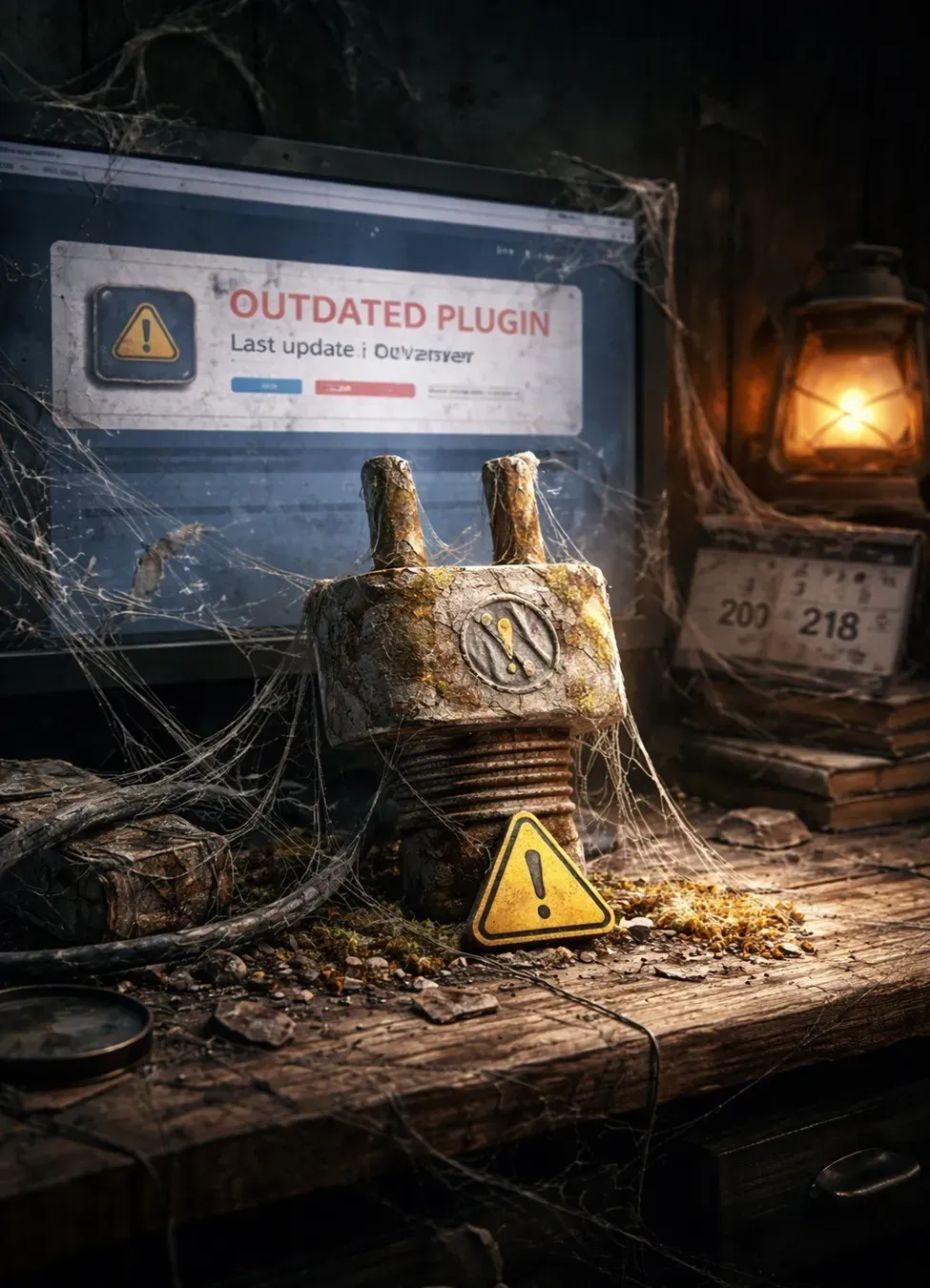
1. Abandoned Or Outdated Plugins
One of the biggest mistakes website owners make is installing plugins that are no longer maintained.
1. Why they are dangerous:
When developers stop updating a plugin:
- Security vulnerabilities remain unpatched
- Compatibility with new WordPress versions breaks
- Bugs accumulate over time
Hackers often target outdated plugins because they know weaknesses won’t be fixed.
Warning Signs
- Last update was over a year ago
- Low compatibility with latest WordPress version
- Developer support inactive
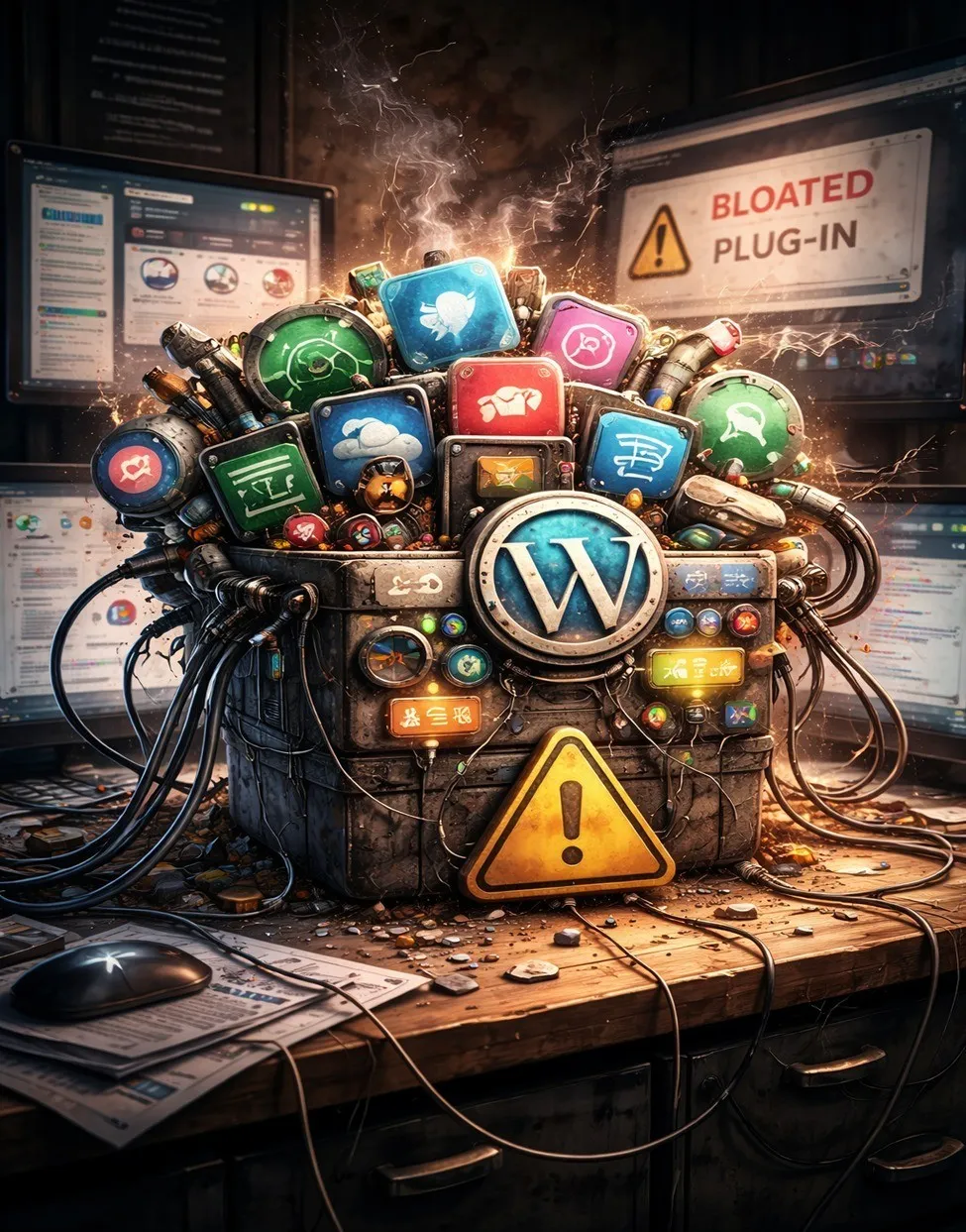
2. Plugins With Too ManyFeatures
(Bloated Plugins)
Some plugins promise to do everything — SEO, security, speed optimization, analytics, popups, and design tools all in one.
Why You Should Avoid Them:
All-in-one plugins often:
- Load unnecessary scripts
- Increase page size
- Slow website performance
- Conflict with specialized tools
More features don’t mean better performance. Often, they mean more code running than you actually need.
Better Approach:
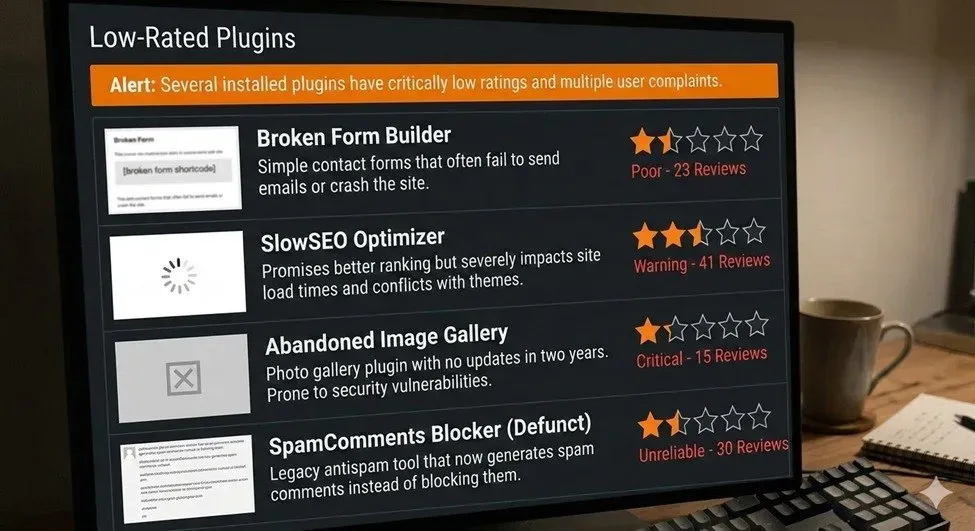
3. Poorly Rated or Low-Review Plugins
Ratings exist for a reason — they reflect real user experiences.
Red Flags:
- Ratings below 4 stars
- Frequent complaints about crashes
- Reviews mentioning malware or spam behavior
- Lack of developer responses
A plugin with thousands of active installs and consistent positive reviews is usually safer than a newly released plugin with little feedback
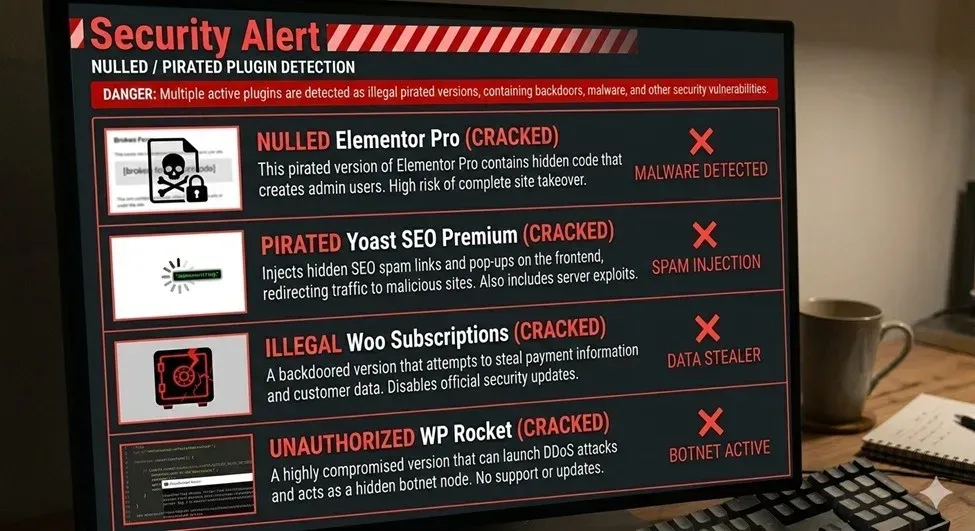
4. Null Or Pirated Premium Plugins
This is one of the dangerous choices website owners make
Why They’re Extremely Risky:
- Hidden malware or backdoors
- SEO spam injections
- Data theft vulnerabilities
- No updates or official support
Many hacked WordPress websites trace back to nulled plugins.
5. Duplicate Functionality Problem
Installing multiple plugins that perform the same job creates conflicts and inefficiency
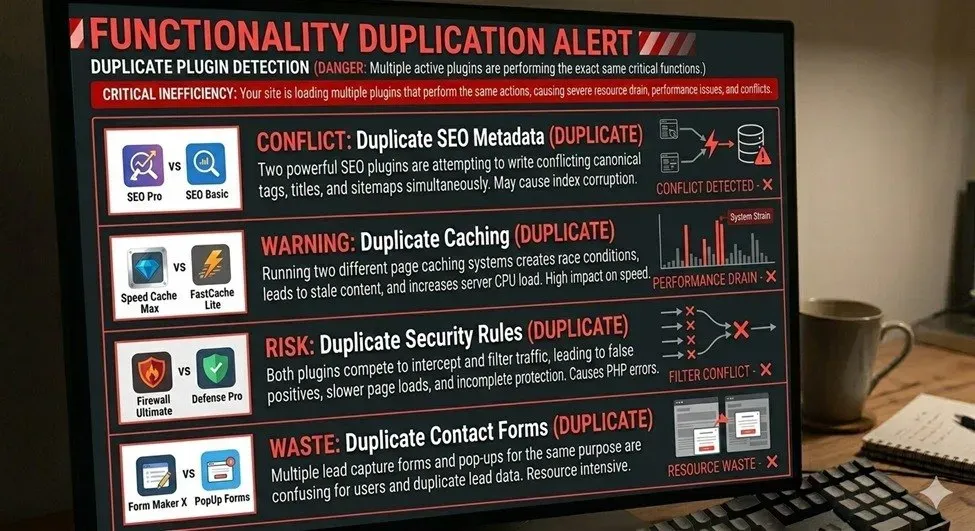
Common Examples:
- Two SEO plugins running together
- Multiple caching plugins
- Several security plugins overlapping
- Multiple page builders installed
Problems Caused:
- Database conflicts
- Slower loading times
- Broken layouts
Increased server usage:
6. Plugins Without Proper Support or Documentation
A plugin may look impressive but becomes useless if problems arise and help isn’t available.
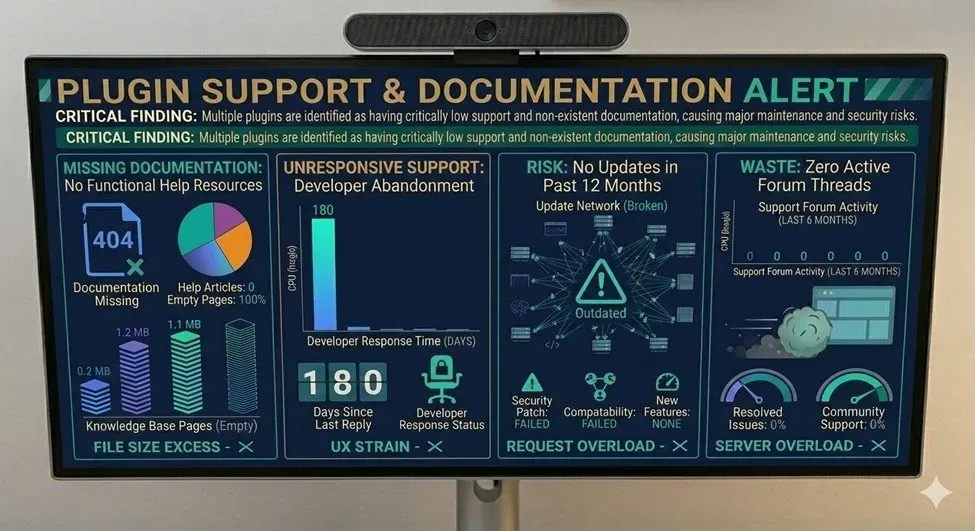
Risks
- No troubleshooting assistance
- Compatibility issues remain unresolved
- Updates may introduce breaking errors
Reliable plugins usually offer:
- Clear documentation
- Active support forums
Regular developer communication
7. Heavy Page Builder Add-Ons
Page builders are powerful, but excessive add-ons can harm performance.
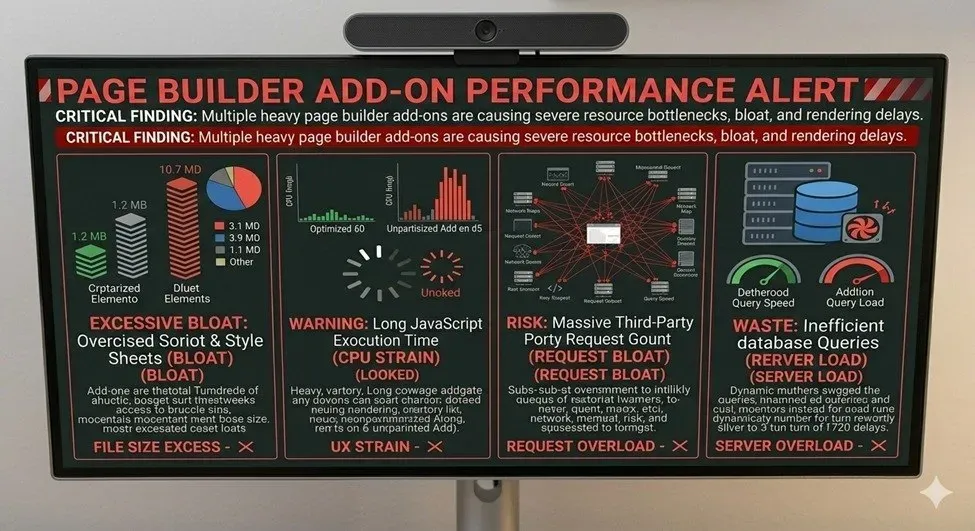
The Issue:
Many add-on packs:
- Load dozens of unused widgets
- Add heavy CSS and JavaScript files
- Increase page load time dramatically
Even if you use only one feature, the plugin may load everything.
Smart Alternative?
How to Choose Safe WordPress Plugins?
Before installing any plugin, Folow this professional check list:
1. Large active install base
2. Clear documentation
3. Trusted developer reputation
Compatible with current WordPress version
Taking two minutes to evaluate a plugin can save hours of troubleshooting later.
Best Practices for Plugin Management:
To keep your WordPress website healthy:
- Limit total plugins to necessary ones only
- Regularly audit installed plugins
- Update plugins consistently
- Test new plugins on staging sites first
- Remove unused tools immediately
- Backup your site before major changes
A clean plugin environment equals a faster and safer website.
The Professional Perspective: Quality Over Quantity:
Many beginners believe adding more plugins improves functionality. Experienced website owners know the opposite is true.
A professional WordPress site focuses on:
- Performance
- Security
- Stability
- Long-term scalability
Each plugin should serve a clear purpose and justify its presence.
Conclusion:
WordPress plugins are powerful tools, but careless installation can quickly turn flexibility into vulnerability. Avoid outdated, bloated, poorly reviewed, or pirated plugins, and prioritize trusted solutions that are actively maintained.
Remember: your website’s success depends not on how many plugins you install, but on how wisely you choose them. By staying selective and strategic, you build a WordPress website that remains fast, secure, and reliable — even as your business grows
Like what you see? Let’s build something together.
From idea to launch — I’ll help you build a website that works beautifully and delivers results.