Best Plugins
for Website Security
In an era where cyber threats are evolving faster than ever, website security is no longer a technical afterthought—it is a business necessity. Whether you manage a blog, an online store, or a corporate platform, your website represents your brand’s credibility and trust. A single vulnerability can compromise customer data, damage search rankings, and disrupt operations.If you are running your site on WordPress, you already have a flexible and powerful foundation. However, protecting that foundation requires the right security plugins. In this guide, we explore the most reliable and effective plugins designed to defend your website against modern threats.

Why Website Security Deserves Immediate Attention
Cybercriminals do not discriminate based on website size. Automated bots continuously scan the web for weaknesses such as outdated plugins, weak passwords, and unsecured login pages. Without proactive protection, your website could face:
Malware injections that damage your reputation
Unauthorized admin access
SEO spam that harms search visibility
Data theft and privacy violations
Server overloads from DDoS attacks
Not all security tools offer the same level of protection. The most dependable plugins combine multiple layers of defense to ensure complete coverage.
Look for features such as:
- Real-time malware scanning
- Web Application Firewall (WAF)
- Brute-force login protection
- Two-factor authentication (2FA)
- File integrity monitoring
- Automated alerts and reports
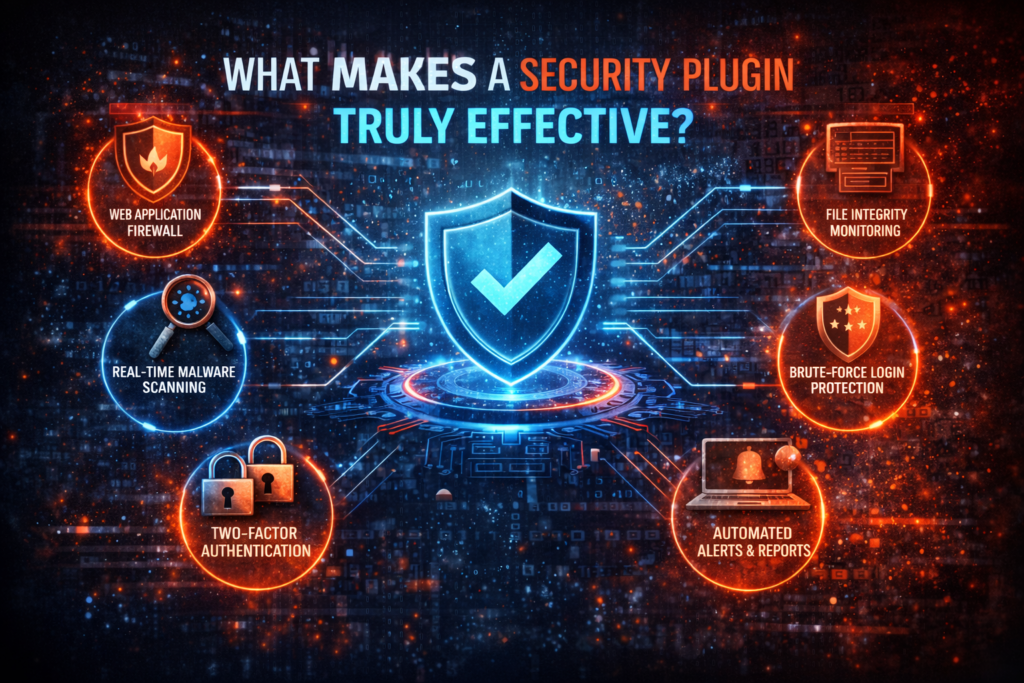
What Makes a Security Plugin Truly Effective?
Top Security Plugins for
WordPress in 2026
1. Wordfence Security – Intelligent, Real-Time Protection
Developed by Wordfence, this plugin is one of the most trusted names in WordPress security. It offers a powerful combination of firewall protection and malware scanning tailored specifically for WordPress environments.
Why It Stands Out:
Wordfence is ideal for website owners who want granular control and detailed visibility into security events.
- Real-time threat intelligence updates
- Advanced endpoint firewall
- Detailed login attempt monitoring
- Built-in two-factor authentication
2. Sucuri Security – Enterprise-Level Defense
Sucuri is widely recognized for its comprehensive security solutions. Its WordPress plugin integrates seamlessly with cloud-based firewall services, offering an additional layer of protection beyond your hosting server.
Key Advantages:
Sucuri is especially beneficial for businesses that require high-level protection and ongoing monitoring.
- Website firewall and DDoS mitigation
- Continuous file integrity checks
- Professional malware cleanup services
- Security audit logs
3. iThemes Security – Strengthening Weak Points
Created by iThemes, this plugin focuses on eliminating common WordPress vulnerabilities before hackers can exploit them.
Core Features:
iThemes Security is perfect for website owners who want to implement essential safeguards quickly and efficiently.
- Brute-force attack prevention
- Database backups
- Strong password enforcement
- File change detection
4. All In One WP Security & Firewall – Beginner-Friendly Protection
This plugin is known for its intuitive interface and easy-to-understand security grading system. It allows users to improve website protection step by step without technical complexity.
Highlights Include:
For small websites and beginners, this plugin provides reliable security without overwhelming settings.
- Database security enhancements
- Login lockdown features
- Spam comment prevention
- Basic firewall rules
5. MalCare Security – Automated Malware Removal
Developed by MalCare, this plugin specializes in automated malware detection and removal.
What Makes It Unique:
MalCare’s scanning process runs on external servers, ensuring your website performance remains unaffected.
- Deep malware scanning without slowing your site
- Uptime monitoring
- One-click malware removal
- Integrated firewall
6. Jetpack Security – All-in-One Protection Suite
Powered by Automattic, Jetpack combines security, performance, and backup solutions in one streamlined package.
Security Features Include:
Jetpack is particularly suitable for users who prefer an integrated solution managed within the WordPress ecosystem.
- Brute-force protection
- Real-time backups
- Downtime monitoring
- Malware scanning
Even the best plugins cannot replace smart security practices. True protection requires a layered approach.
Enhance your defense by:
- Keeping WordPress core, themes, and plugins updated
- Using complex, unique passwords
- Enabling two-factor authentication
- Installing an SSL certificate
- Scheduling automated backups
- Automated alerts and reports
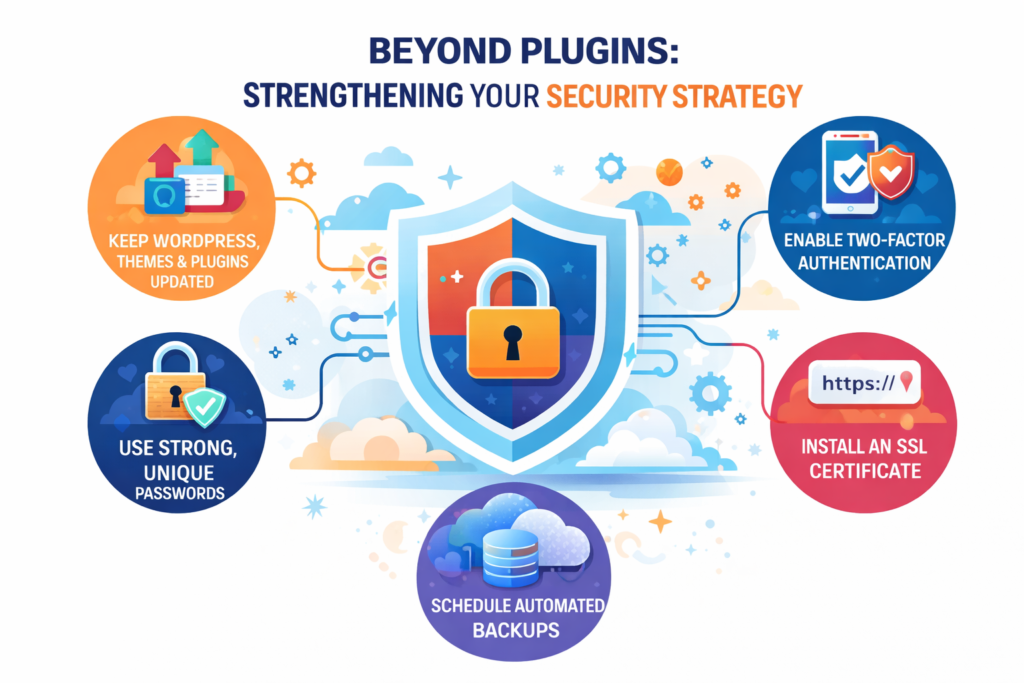
Beyond Plugins: Strengthening Your Security Strategy
Free vs. Premium Security Solutions
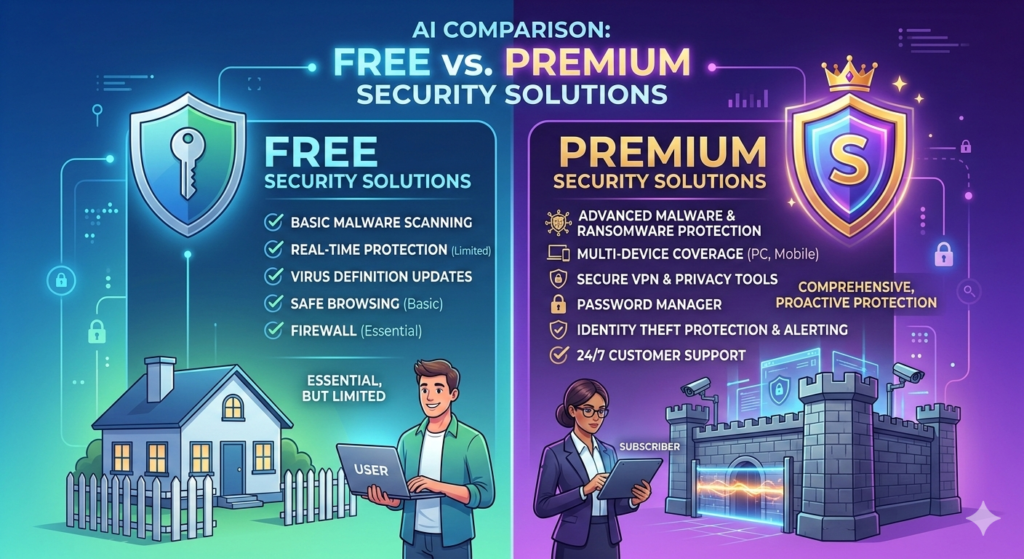
Many plugins offer both free and paid versions. While free tools provide foundational protection, premium versions unlock advanced capabilities. For eCommerce stores or data-sensitive websites, premium security is often a wise investment
Free Versions Typically Offer:
- Basic malware scanning
- Limited firewall rules
- Login attempt monitoring
Premium Versions Often Include:
- Advanced firewall configuration
- Real-time threat intelligence
- Automatic malware removal
- Priority support
The ideal security plugin depends on factors such as:
- Website size and traffic volume
- Type of data stored
- Business goals
- Budget limitations
- Technical expertise
For example:
- Personal blogs may only require basic firewall and login protection.
- Type of data stOnline stores handling payments demand advanced malware detection and real-time monitoring.ored
- Corporate websites benefit from enterprise-grade firewalls and audit tracking.
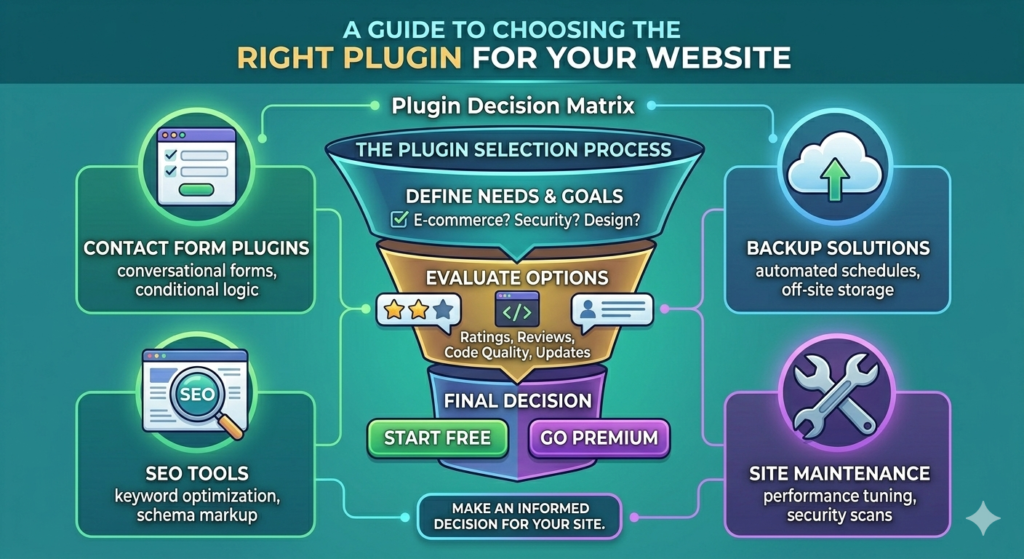
Every website has unique requirements. Selecting the right plugin ensures you’re protected without overcomplicating your system.
Choosing the Right Plugin for Your Website
Common Security Mistakes to
Avoid
Even with strong plugins installed, avoid these critical errors:
- Installing multiple security plugins that conflict
- Ignoring update notifications
- Using “admin” as your username
- Failing to monitor security alerts
- Neglecting regular backups
Premium Versions Often Include:
- Advanced firewall configuration
- Real-time threat intelligence
- Automatic malware removal
- Priority support
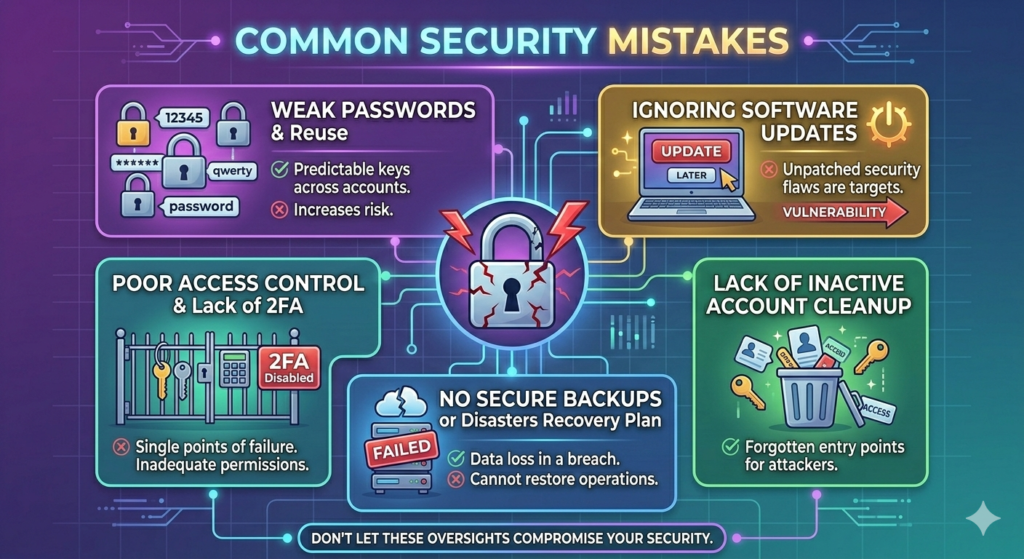
Proactive monitoring strengthens your overall security posture and reduces long-term risk.
Regular reviews should include:
- Checking user roles and permissions
- Reviewing activity logs
- Running manual malware scans
- Removing outdated plugins
For example:
- Personal blogs may only require basic firewall and login protection.
- Type of data stOnline stores handling payments demand advanced malware detection and real-time monitoring.ored
- Corporate websites benefit from enterprise-grade firewalls and audit tracking.
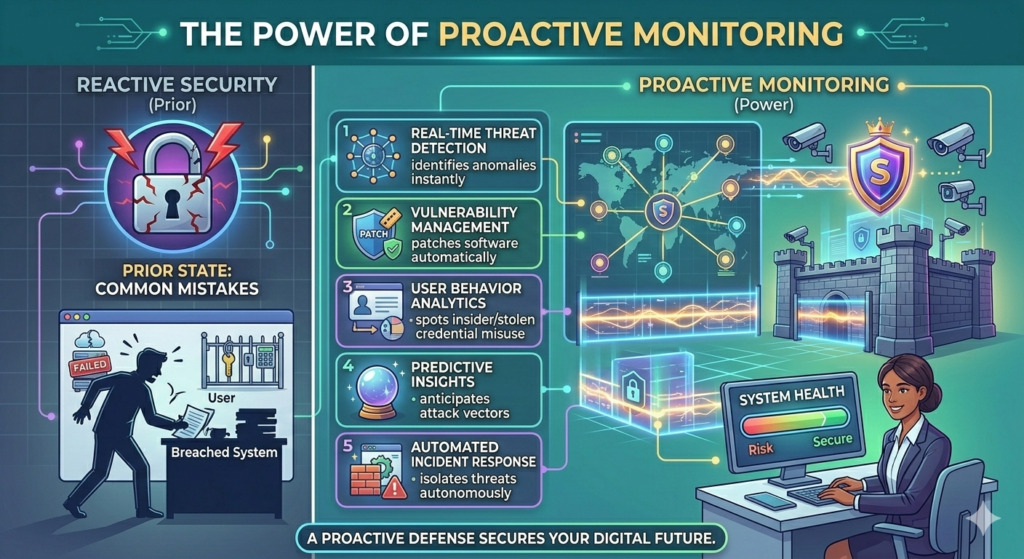
Security threats evolve daily. Routine monitoring helps you detect suspicious activity before it escalates.
The Power of Proactive Monitoring
Final Thoughts
Your website is one of your most valuable digital assets. Protecting it should be a top priority—not an afterthought. The right security plugin can serve as your first line of defense, blocking malicious activity and preserving your credibility.By combining trusted tools like Wordfence, Sucuri, iThemes Security, MalCare, and Jetpack with smart security practices, you create a resilient and future-ready digital presence.Cyber threats may be inevitable—but vulnerability is not. With the right strategy and reliable plugins, your website can remain secure, stable, and trusted by users worldwide.